CRM Automation for Small Businesses: How to Organize Leads, Follow Up, and Track Sales
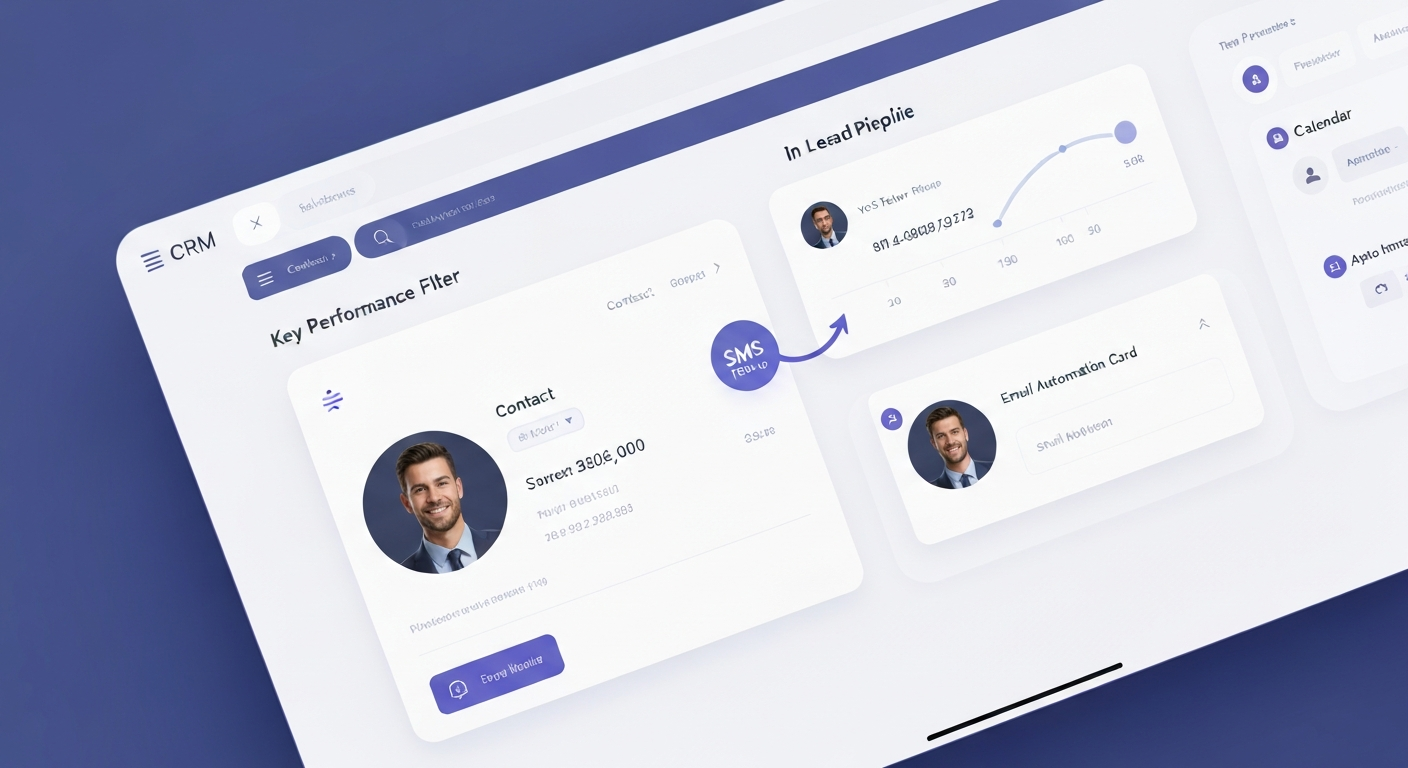
Small businesses do not lose opportunities only because they need more leads. They often lose opportunities because leads are scattered across forms, calls, texts, emails, spreadsheets, and inboxes. CRM automation helps organize every lead, trigger follow-up, track pipeline stages, and support better appointment booking.
Quick Summary
CRM automation helps small businesses organize leads, track pipeline stages, automate follow-up, send reminders, book appointments, and understand where opportunities are getting stuck. It connects lead capture, SMS, email, AI voice, appointment booking, and reporting into one more organized system.
- Best for businesses that receive leads from ads, forms, calls, referrals, social media, or old customer lists.
- Helps keep lead details, notes, source, status, and next steps in one place.
- Works best when connected to SMS, email, calendar booking, AI voice, and reporting.
- Helps business owners reduce manual admin and follow up more consistently.
Most small businesses do not have a lead problem only.
They have an organization problem.
A lead comes in from a website form. Another comes from a phone call. Another sends a message on social media. Someone replies to an ad. Someone fills out a landing page. Someone asks a question by email. Someone calls after hours.
Then everything becomes scattered.
One lead is in a spreadsheet. Another is in an inbox. Another is in a phone call log. Another is in a text message. Someone on the team knows about one opportunity, but nobody else can see it clearly.
That is where CRM automation helps.
A CRM is where your leads, contacts, conversations, appointments, notes, and follow-up stages can be organized. CRM automation takes it further by triggering follow-up, updating lead status, sending reminders, assigning tasks, and helping the team know what should happen next.
At TechLabCo, we help businesses in Canada, the USA, and global markets build CRM automation systems that connect with AI voice agents, AI receptionist workflows, SMS marketing, email marketing, appointment booking, lead prequalification, and reporting.
What Is CRM Automation?
CRM automation is the process of using a CRM system and automated workflows to manage leads, contacts, follow-up, appointments, and sales activity.
Instead of manually updating every lead, sending every reminder, and remembering every next step, automation can help handle repeatable parts of the process.
CRM automation can include:
- Lead capture from forms and landing pages
- Contact creation or updates
- Lead source tracking
- Pipeline stage updates
- SMS follow-up
- Email follow-up
- Appointment reminders
- Task creation
- Lead tagging
- Call summary storage
- AI voice follow-up triggers
- No-show follow-up
- Old lead reactivation
- Reporting dashboard updates
For small businesses, CRM automation is not about making things complicated.
It is about making the sales process easier to manage.
The right CRM workflow helps answer simple but important questions:
- Where did this lead come from?
- Did anyone follow up?
- What does this person need?
- Are they qualified?
- Did they book?
- Did they show up?
- What is the next step?
- Which lead sources are working?
Why Small Businesses Need Better Lead Organization
Small businesses often start with simple tools.
A phone. An email inbox. A spreadsheet. A calendar. Maybe a few notes. This can work at the beginning.
But once the business starts getting more leads, the process becomes harder to control.
Leads can get missed when:
- New inquiries come from too many places
- Staff forget to update notes
- There is no clear pipeline stage
- Follow-up depends on memory
- Missed calls are not logged properly
- Old leads are never reactivated
- Appointment details are not connected to the CRM
- No-shows are not followed up with
- Ad leads are not tracked by source
- Business owners do not know what is working
A CRM gives the business one place to manage opportunities.
CRM automation helps the business take action faster.
For example, when a new lead comes in, the system can add the contact, tag the lead source, send a text, trigger an email, notify the team, and move the lead into the correct pipeline stage. That is much better than hoping someone remembers to copy the details into a spreadsheet.
How CRM Automation Works
Lead Comes In
A lead comes from a website form, landing page, phone call, missed call, ad campaign, chat widget, referral, social media, or manual import.
CRM Captures the Contact
The system creates or updates the contact with name, phone, email, source, service interest, and submitted details.
Lead Is Tagged and Organized
The lead is placed into the right pipeline stage with tags such as new lead, booked appointment, no-show, hot lead, old lead, or reactivation.
Follow-Up Starts
SMS, email, AI voice, appointment reminders, or internal tasks can start based on the lead type and workflow.
Pipeline Gets Updated
As the lead replies, books, cancels, no-shows, or becomes a customer, the CRM status can be updated.
Reporting Shows What Happened
The business can see lead source, follow-up activity, appointment status, and conversion points.
The best CRM automation system is not just a database. It is a working follow-up system that helps move leads toward the next step.
Manual Tracking vs CRM Automation
Manual Tracking
- Leads are stored in spreadsheets, inboxes, texts, and call logs
- Staff manually remember who to follow up with
- Lead source is not always clear
- Pipeline stages are messy
- Appointment reminders may be forgotten
- Old leads are not reactivated
- Reports are hard to trust
- Business owner does not have clear visibility
CRM Automation
- Leads are organized in one CRM
- Follow-up can start automatically
- Lead source and status are tracked
- Pipeline stages are easier to manage
- Appointment reminders can be automated
- Old leads can be reactivated
- Reports show lead and appointment activity
- Team can see the next step clearly
The goal is not to add more software. The goal is to create one organized system your team can actually use.
What a Good CRM Pipeline Should Include
A CRM pipeline should be simple enough for the team to use, but clear enough to track the sales process.
For many small businesses, a basic pipeline might include:
The exact stages depend on the business. A med spa, law firm, HVAC company, auto repair shop, real estate agent, and coach may all need different pipelines.
But the idea is the same. Every lead should have a clear status. Every stage should have a purpose. Every next step should be easy to see.
How CRM Automation Improves Follow-Up
Follow-up is where CRM automation becomes powerful. Instead of manually remembering every lead, the CRM can trigger workflows based on what happens.
New lead workflow:
- Send instant SMS
- Send intro email
- Notify team
- Trigger AI voice call if included
- Move lead to New Lead stage
Booked appointment workflow:
- Send confirmation SMS
- Send confirmation email
- Add calendar event
- Send reminder 24 hours before
- Send same-day reminder
No-show workflow:
- Send missed appointment message
- Offer rescheduling link
- Notify team
- Move lead to No-Show stage
Old lead reactivation workflow:
- Send friendly check-in SMS
- Send email follow-up
- Trigger AI voice call if included
- Move interested replies back into active pipeline
This helps the business follow up more consistently without depending only on memory.
Industry Examples
Real Estate
Law Firms
HVAC
Beauty & Med Spa
Auto Repair
Home Services
Coaches & Consultants
Education & Training
Common CRM Mistakes Small Businesses Make
- Using spreadsheets for too long
- Creating too many pipeline stages
- Not updating lead status
- Not tracking lead source
- Not connecting forms to the CRM
- Not connecting calls or missed calls to the CRM
- Not using SMS or email follow-up
- Not setting appointment reminders
- Not following up after no-shows
- Not reactivating old leads
- Not training the team on how to use the pipeline
- Using a CRM but not automating anything
A CRM should not become another place where leads get forgotten. It should make the next step clearer.
When Your Business Needs CRM Automation
CRM automation may be a good fit if your business:
- Gets leads from multiple sources
- Runs ads or landing pages
- Receives calls, forms, texts, or referrals
- Uses spreadsheets to track leads
- Has leads falling through the cracks
- Needs SMS and email follow-up
- Relies on appointments, estimates, consultations, or service calls
- Wants better reporting
- Needs better team visibility
- Wants to reactivate old leads
- Wants to reduce manual admin work
It may not be the first priority if your business has very few leads or no clear offer yet.
The best results usually happen when your business already has leads coming in and needs a better way to organize and follow up with them.
How Much Could Better Follow-Up Be Worth?
If your business is already generating leads from ads, forms, calls, referrals, or landing pages, poor follow-up and messy tracking may be reducing your results. Use TechLabCo's Lead Follow-Up Revenue Calculator to estimate how response time, booking rate, close rate, and customer value can affect monthly revenue.
What TechLabCo Builds
TechLabCo can help set up a CRM automation system that fits your business.
- CRM pipeline setup
- Lead capture forms
- Lead source tracking
- Contact tagging
- SMS follow-up workflows
- Email follow-up workflows
- AI voice follow-up triggers
- AI receptionist call summaries
- Appointment booking workflows
- Appointment reminder sequences
- No-show follow-up
- Old lead reactivation
- Team notifications
- Reporting dashboard
- Basic team training
The goal is to help your business organize leads, follow up faster, and track what is happening from inquiry to appointment.
Related Services
CRM & Marketing Automation
Keep your pipeline, follow-up, appointment stages, and reporting organized.
Learn MoreAI Voice Agents
Human-sounding AI calling systems for lead follow-up, qualification, appointment booking, and reactivation.
Learn MoreAI Receptionist
24/7 inbound call answering for businesses that cannot afford to miss important inquiries.
Learn MoreSMS Marketing
Send fast follow-up, reminders, review requests, and reactivation texts.
Learn MoreEmail Marketing
Send confirmations, appointment details, nurture emails, and reactivation campaigns.
Learn MoreAppointment Booking Automation
Book qualified leads into your calendar with confirmations and reminders.
Learn MoreLead Generation
Campaigns, landing pages, and tracking systems designed to create qualified opportunities.
Learn More
Written by TechLabCo – AI Marketing Agency
TechLabCo helps service businesses and e-commerce brands generate leads, qualify prospects, automate follow-up, book appointments, and build better growth systems using AI voice agents, AI receptionist workflows, CRM automation, SMS/email campaigns, websites, funnels, and marketing systems.
Frequently Asked Questions
Organize Your Leads and Follow Up Faster
If your business is getting leads but losing track of conversations, follow-ups, appointments, or old opportunities, TechLabCo can help you build a cleaner CRM automation system. Book a free 15-minute demo and we'll show you how CRM automation, SMS, email, AI voice, and appointment booking can work together.
Comments (0)
No comments yet. Be the first to share your thoughts!
Leave a Comment
Table of Contents
Read Next
How AI Voice Agents Are Revolutionizing Lead Follow-Up
Learn how AI voice agents help businesses in Canada and the USA follow up with leads, qualify prospects, book appointments...
Read Article
AI Receptionist for Small Businesses: Answer Calls 24/7
Learn how an AI receptionist helps small businesses in Canada and the USA answer calls, capture leads, collect details...
Read Article